
 Kontakt
 Kako nakupovati
Dostava
Svetovalec pri nakupu
xTool Studio
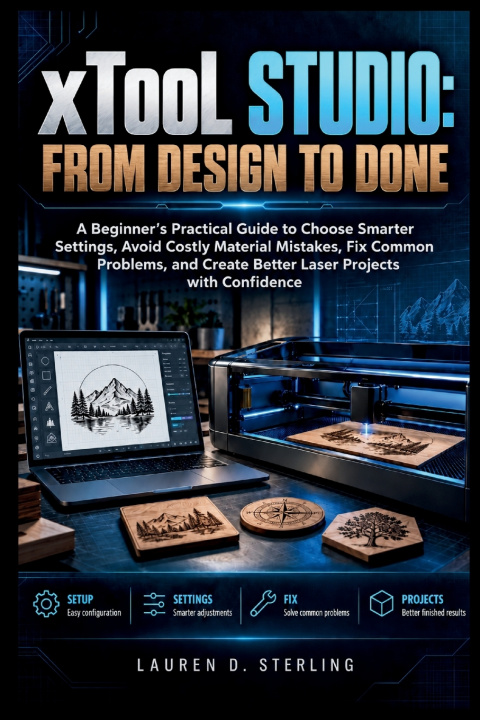
From Design to Done: A Beginner's Practical Guide to Choose Smarter Settings, Avoid Costly Material Mistakes, Fix Common Problems, and Create Better Laser Projects with Confidence
 Angleščina
 53 b
53 b
 Kmalu
Kmalu
 Novo
Novo
Do 30 dni za vračilo

Do you find it difficult to choose the right xTool Studio settings, position your artwork accurately, or understand why a laser project did not turn out as expected?
Working with laser software involves more than importing a design and pressing Start. Material differences, power and speed settings, focus, positioning, processing modes, machine setup, and file preparation can all affect the final result. Without a clear workflow, beginners can waste material, repeat failed tests, or struggle to identify what went wrong.
This practical guide helps you understand how xTool Studio fits into the complete laser-making process-from preparing artwork and selecting processing settings to testing materials, troubleshooting results, and building repeatable workflows. The emphasis is on making informed decisions rather than relying on guesswork.
Clear explanations, visual guidance, practical comparisons, test-grid methods, troubleshooting workflows, and production-focused examples show you how settings and setup choices affect real materials. You will also learn how to refine projects, organize reusable master files, work with rotary and conveyor setups, and approach advanced features with greater control.
This is a working reference designed to help you understand what to check, what to change, and why the result changes.
What's inside
- xTool Studio setup, workspace, positioning, and processing fundamentals
- Power, speed, passes, focus, and material-testing methods
- Artwork alignment, framing, spacing, duplication, arrays, and repeat layouts
- Troubleshooting for scorching, gaps, incomplete cuts, ghosting, misalignment, and uneven output
- Material test grids and methods for selecting cleaner cutting and engraving settings
- Reusable master projects, saved settings, jigs, and repeat-production workflows
- Rotary roller and chuck setups, thick-object processing, and conveyor workflows
- File-performance optimization and structured diagnostic methods
- AI-assisted material recognition and test-matrix verification workflows
- Beginners learning xTool Studio for the first time
- Laser owners who want fewer setup and material mistakes
- Users who want to understand settings instead of copying values blindly
- Makers creating engraved, cut, personalized, or repeat-production projects
- Hobbyists and small-workshop users building practical laser-processing knowledge
- Configure projects and position artwork more accurately
- Choose and refine processing settings using controlled tests
- Identify common cutting and engraving problems systematically
- Prepare cleaner files and organize reusable production projects
- Use rotary, conveyor, and advanced workflows more confidently
- Evaluate physical results and make better processing decisions
With a clearer understanding of the software, material behavior, setup, and troubleshooting process, you can approach laser projects with a more consistent and practical workflow.
Use the BUY NOW BUTTON to get the guide and start building stronger xTool Studio skills for real-world projects.


O knjigi
Angleščina

Podarite to knjigo še danes
To je povsem preprosto
1 Dodajte knjigo v košarico in izberite dostavo kot darilo 2 V zameno vam bomo poslali kupon 3 Knjiga bo dostavljena na naslov obdarovancaPozdravljeni! Sem Libroamiko, vaš knjižni svetovalec.
Kako vam lahko pomagam?