
 Kontakt
 Kako nakupovati

Dostava
Svetovalec pri nakupu
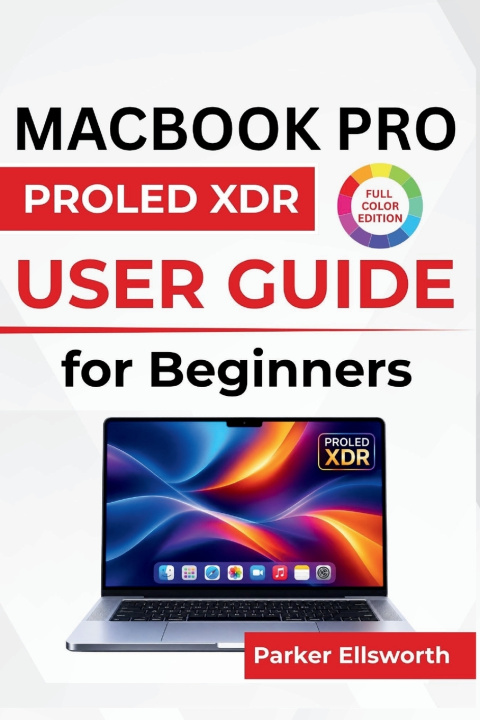
MacBook Pro PROLED XDR USER GUIDE For Beginners
Navigating macOS, Using Touch Controls and Intelligent Tools, Creating Content, Managing Everyday Tasks, and Adjusting Essential Settings
 Angleščina
 56 b
 Novo
 Bo dostavljeno do božiča ▾
Na zalogi pri dobavitelju
Odposlali bomo v 9-13 dneh
Do 30 dni za vračilo

A new MacBook Pro brings exciting possibilities-but getting familiar with its features is what makes the experience truly rewarding.
The MacBook Pro PROLED XDR User Guide for Beginners is designed to help you explore your computer with confidence, understand its important features, and make everyday tasks feel easier. From navigating macOS and learning the keyboard and trackpad to exploring the advanced display, Apple Intelligence, and connectivity options, this guide walks you through the features and settings covered in the book.
Whether you're setting up your MacBook for the first time, moving from an older model, or simply looking to become more comfortable with its capabilities, you'll find practical guidance for work, communication, creativity, and entertainment.
Inside this guide, you'll discover how to:
Get started with confidence: Set up your MacBook, configure your Apple Account, personalize important settings, and become familiar with its controls.
Navigate your desktop more easily: Use Finder, the Dock, keyboard shortcuts, trackpad gestures, and multitasking tools to manage everyday activities.
Explore the display and intelligent features: Understand display settings, Siri, Apple Intelligence, and useful tools for writing and productivity.
Connect your favorite accessories: Set up external monitors, storage devices, wireless headphones, Wi-Fi, Bluetooth, AirDrop, and AirPlay.
Make everyday tasks simpler: Organize files, install applications, manage email, schedule appointments, and keep important reminders in order.
Enjoy communication and entertainment: Use the camera for video calls, adjust audio settings, watch videos, and capture screenshots or screen recordings.
Take care of your MacBook: Monitor battery health, manage storage, protect personal information, create backups, and troubleshoot common problems.
Beyond introducing the features, this guide focuses on the practical details that matter when using your MacBook every day. You'll learn where to find important settings, how to adjust them to suit your preferences, and what to check when something isn't working as expected.
Your new MacBook Pro is ready to become part of your daily routine. Make the most of that fresh-start excitement-pick up your copy and begin exploring the features, tools, and possibilities waiting on your desktop.


O knjigi
Angleščina

Podarite to knjigo še danes
To je povsem preprosto
1 Dodajte knjigo v košarico in izberite dostavo kot darilo 2 V zameno vam bomo poslali kupon 3 Knjiga bo dostavljena na naslov obdarovancaPozdravljeni! Sem Libroamiko, vaš knjižni svetovalec.
Kako vam lahko pomagam?