
 Kontakt
 Kako nakupovati
Dostava
Svetovalec pri nakupu
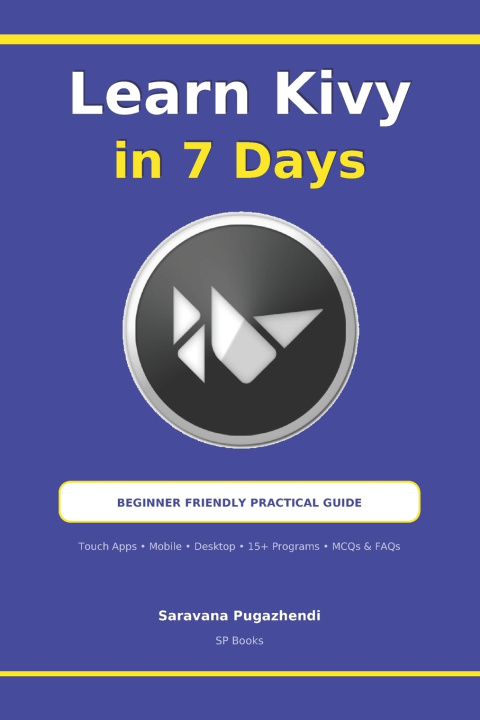
Learn Kivy Python in 7 Days for Beginners
Build Cross-Platform Desktop GUI Apps with Step-by-Step Programs, Widgets, Layouts, Dialogs, Menus and Two Capstone Projects
 Angleščina
 26 b
26 b
 Novo
Novo
Do 30 dni za vračilo

Build your first Python GUI apps in just 7 days.
Want to make real graphical apps with Python that run on Windows, macOS and Linux? This beginner guide teaches Kivy, the open-source Python framework for modern user interfaces. It goes one day at a time, with clear explanations and working code.
You don't need any GUI experience. Each lesson builds on the one before it. Every program uses simple, mostly non-class code, written one statement per line, and is followed by its expected result. You always know what your code should do.
What you will learn:
Day 1: What Kivy is, how to install it and how to run your first app
Day 2: The essential parts of a Kivy GUI application
Day 3: UI widgets, layouts and event handling, with a full reference table of widget properties and methods
Day 4: Hands-on examples with Button, Label, TextInput, CheckBox, Spinner, Slider, lists and tables
Day 5: Popups and dialog boxes
Day 6: Menus and app navigation
Day 7: Two complete capstone projects:
Calculator App: a working calculator with a full button layout
To-Do List App: add, remove and clear tasks, and exit the app
Bonus material:
- 15 basic Python programs: factorial, prime number, Armstrong number, reverse number, sum of digits and more
- 20 Kivy FAQs with clear answers
- 20 multiple-choice quiz questions with a separate answer key
This book is for:
Python beginners and students
Self-taught programmers
Hobbyists who want to build their own desktop GUI apps
Developers moving from Tkinter or PySide6 to Kivy
The code is formatted for easy reading on paperback, Kindle and smartphone screens. By the last chapter, you'll have built two real apps and gained the confidence to design, code and run your own Kivy applications.


O knjigi
Angleščina

Podarite to knjigo še danes
To je povsem preprosto
1 Dodajte knjigo v košarico in izberite dostavo kot darilo 2 V zameno vam bomo poslali kupon 3 Knjiga bo dostavljena na naslov obdarovancaPozdravljeni! Sem Libroamiko, vaš knjižni svetovalec.
Kako vam lahko pomagam?