
 Kontakt
 Kako nakupovati

Dostava
Svetovalec pri nakupu
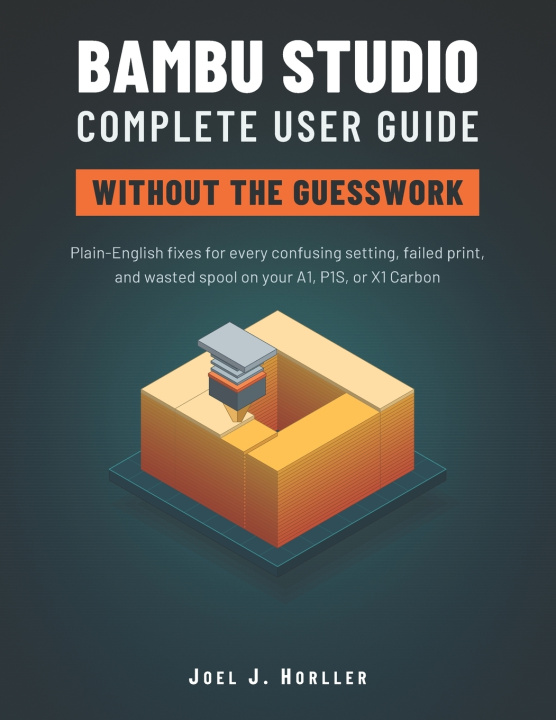
BAMBU STUDIO COMPLETE USER GUIDE WITHOUT THE GUESSWORK
Plain-English Fixes for Every Confusing Setting, Failed Print, and Wasted Spool on Your A1, P1S, or X1 Carbon
 Angleščina
 54 b
 Kmalu
 Novo
Do 30 dni za vračilo

Did you unbox your Bambu Lab printer with big plans, then freeze at the first screen of Bambu Studio?
Are you tired of failed prints, confusing menus, and spools of filament in the trash?
What if every setting finally made sense in plain English?
BAMBU STUDIO COMPLETE USER GUIDE WITHOUT THE GUESSWORK
Plain-English Fixes for Every Confusing Setting, Failed Print, and Wasted Spool on Your A1, P1S, or X1 Carbon
You do not need to be an engineer. You need a clear path. This beginner-friendly Bambu Studio user guide gives you one, from installing the slicer to printing clean, strong, colorful parts you are proud of.
WHAT YOU WILL LEARN TO DO
- Install Bambu Studio, connect your printer, and finish a clean first print with a simple pre-flight check.
- Match printer, nozzle, plate, and filament profiles so your slicing plan fits your machine.
- Understand layer height, walls, infill, speed, temperature, and cooling without the jargon.
- Use supports without scars, and read the preview to catch mistakes before they waste filament.
- Set up the AMS, paint colors, and cut purge waste in multi-color printing.
- Calibrate flow dynamics and pressure advance only when it truly helps.
- Fix stringing, warping, spaghetti, clogs, first layer problems, and rough surfaces with a simple symptom-to-fix system.
WHY THIS GUIDE IS DIFFERENT
- Every setting is explained by purpose, so you can find it even when menus change.
- A one-change-at-a-time method turns guessing into real skill.
- 20 clear pictures, checklists, and step-by-step lists keep you moving.
- Quick-reference tables, a detailed FAQ, a glossary, and an index give fast answers at the printer.
- Four practice projects: a cable organizer, a strong wall hook, a two-color gift, and a supported print.
- Filament drying, safe printing, and maintenance habits that keep your printer running.
INSIDE THE BOOK
13 focused chapters cover installation, Wi-Fi and LAN setup, model orientation, process presets, tree supports, the preview screen, flushing volumes, PLA, PETG, TPU, and ASA, plus a complete printing routine you can repeat every week.
WHO IT IS FOR
New owners of the Bambu Lab A1 mini, A1, P1S, X1 Carbon, and H2D. Gift receivers, parents, teachers, hobbyists, and late starters who think 3D printing is too technical.
WHY BUY IT NOW
Every failed print costs time, plastic, and confidence. The longer you guess, the more you waste. A few evenings with this guide can replace weeks of trial and error, and turn your printer from a dusty gadget into a tool you use with confidence.
Get your copy today, open it beside your printer, and print your first clean model this week.
This is an independent guide. It is not affiliated with or endorsed by Bambu Lab.


O knjigi
Angleščina

Podarite to knjigo še danes
To je povsem preprosto
1 Dodajte knjigo v košarico in izberite dostavo kot darilo 2 V zameno vam bomo poslali kupon 3 Knjiga bo dostavljena na naslov obdarovancaPozdravljeni! Sem Libroamiko, vaš knjižni svetovalec.
Kako vam lahko pomagam?