
 Kontakt
 Kako nakupovati

Dostava
Svetovalec pri nakupu
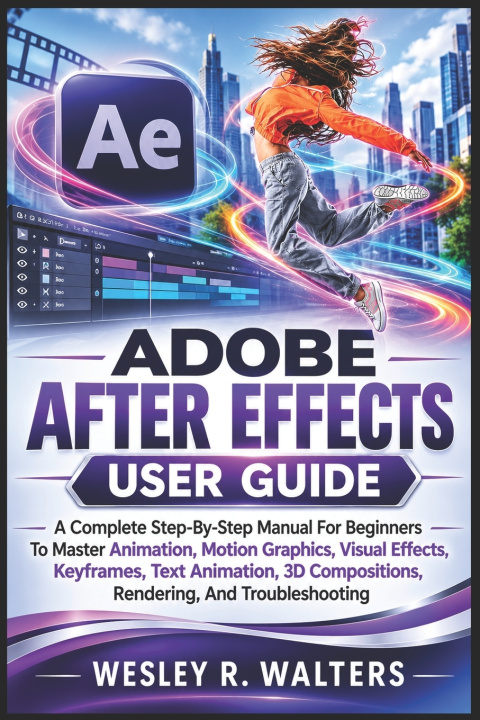
ADOBE AFTER EFFECTS USER GUIDE
A Complete Step-By-Step Manual For Beginners To Master Animation, Motion Graphics, Visual Effects, Keyframes, Text Animation, 3D Compositions, Rendering, And Troubles
 Angleščina
 45 b
 Kmalu
 Novo
Do 30 dni za vračilo

MASTERING ADOBE AFTER EFFECTS
Create engaging animated content, build impressive visual effects, and gain confidence working with Adobe After Effects through practical, step-by-step instruction.
Whether you are completely new to After Effects or want a clearer way to understand its essential tools, this guide walks you through the software in a straightforward and beginner-friendly manner. You will learn how to work with projects, compositions, layers, keyframes, effects, text, masks, cameras, lighting, audio, and other important features without unnecessary complexity.
Inside this guide, you will discover how to:
- Get familiar with the After Effects workspace and essential panels
- Create and organize projects and compositions
- Work with layers and manage their properties
- Use keyframes to create movement and changes over time
- Add and customize text and shape layers
- Apply effects and presets to enhance your projects
- Create masks and control visible areas of a layer
- Work with 3D layers, cameras, and lighting
- Use tracking techniques for practical visual effects
- Replace backgrounds with green screen techniques
- Work with expressions for greater control and automation
- Adjust blending modes and layer interactions
- Edit and work with audio inside your projects
- Prepare projects for rendering and export
- Customize preferences and improve your workflow
- Troubleshoot common problems and get back to creating
You will also learn how different After Effects features work together, giving you a stronger foundation for creating titles, animated graphics, visual effects, background replacements, logo animations, and other creative projects.
Whether you are learning After Effects for personal projects, content creation, school, or professional development, this guide provides a practical starting point for building your skills and becoming more comfortable with the software.
Start learning After Effects one step at a time and turn your creative ideas into finished projects.


O knjigi
Angleščina

Podarite to knjigo še danes
To je povsem preprosto
1 Dodajte knjigo v košarico in izberite dostavo kot darilo 2 V zameno vam bomo poslali kupon 3 Knjiga bo dostavljena na naslov obdarovancaPozdravljeni! Sem Libroamiko, vaš knjižni svetovalec.
Kako vam lahko pomagam?